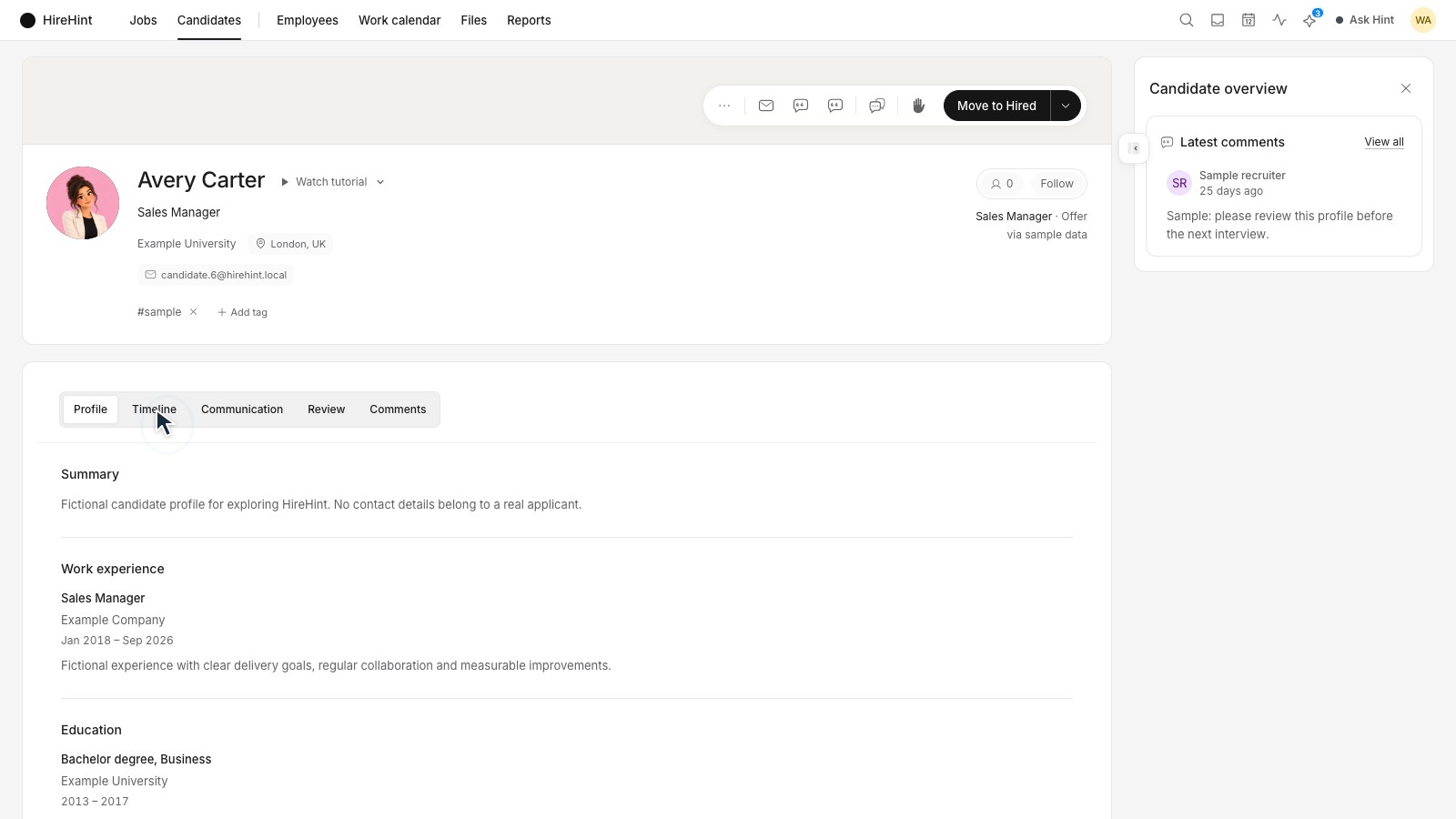
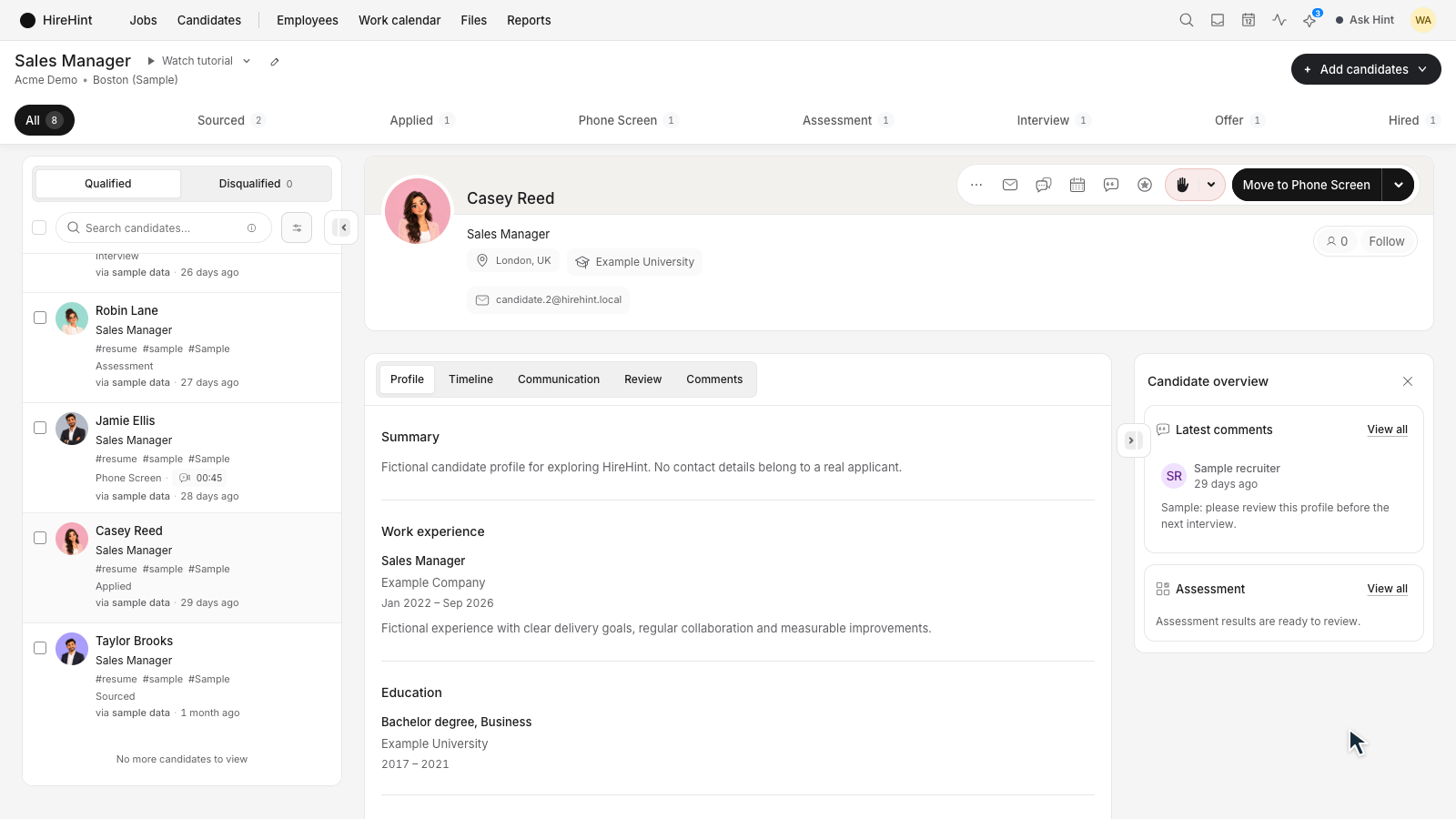
Find candidates with AI Search
Turn a role brief into a candidate search. Review profiles, research experience and skills, and add promising people to a job or talent pool.
HireHint ATS
Find candidates with AI Search, automate recruiting with AI Agent, and manage applications, interviews, assessments and offers in one ATS. Connect every hire to employee onboarding and HR.
Recruiting
Thoughtful by design
AI sourcing, hiring automation, candidate evaluation and HR handover in one platform.
Turn a role brief into a candidate search. Review profiles, research experience and skills, and add promising people to a job or talent pool.
Set the criteria and actions for each job. Let the Agent source candidates, request missing details and evaluate evidence, with a named teammate ready to take over.
Publish jobs, build careers pages and application forms, parse résumés, and keep candidates, stages and conversations in a shared ATS.
Use interview scheduling, recorded video answers, candidate assessments and structured scorecards to compare evidence with your hiring team.
Plan headcount, approve requisitions, collect employee referrals and give each hiring team the access it needs.
Import the hired candidate into an employee draft, then manage onboarding, employee records, time off, attendance, surveys and performance in HireHint HR.
From intention to action
Define the role, hiring team and selection criteria.
Source candidates with AI and collect applications.
Review evidence, run interviews and record team feedback.
Hire the candidate and continue into onboarding and HR.
Follow one vacancy through HireHint ATS and HRIS. The recruiter manages the application and interview in ATS, then HR reviews the employee draft and sets up onboarding.
Set the application questions and hiring stages for the role. When a candidate applies, their application stays linked to that vacancy so reviewers can see the role and answers together.
Prepare the job and application formOpen the candidate in the job pipeline. For a recorded interview, review the answer alongside its question and save structured notes or ratings for the hiring discussion.
Review recorded interviewsAfter the hiring team moves the candidate to Hired, an authorized HR user can select them in the employee directory and import a draft. The import applies configured field mappings. HR can review the draft before publishing or inviting the employee.
Check employee profile accessConfirm the employee details, assign the appropriate tasks and owners, and track what still needs to be completed. Check the status of document and signature steps separately.
Prepare employee onboardingBring a sample vacancy and test the steps each person actually uses. On a phone, check the Arabic application and interview instructions, including right-to-left layout and names that mix Arabic and Latin letters. Then open the same application as an English-speaking reviewer and check the answers, feedback and employee handoff.
Read the bilingual hiring checklistShare your workspace’s CV email address to collect résumés from people who contact you directly. Open Jobs, then Talent Pool, to copy the address. When a candidate emails a résumé as an attachment, it appears under Applied in the Talent Pool, ready for your team to review.
In a demo, send a sample PDF résumé from an external email account. Open the new candidate in the Talent Pool and check the contact details and original attachment. Then review a careers-page application to see how it stays linked to its vacancy.
There is no universal best ATS. Shortlist systems against your hiring process, team access, candidate languages, exact integrations, migration and total cost. Compare the same fictional vacancy in each demonstration. Consider HireHint if you want to evaluate recruiting and employee HR together, and verify the requirements that matter to your team.
HireHint is employer applicant tracking and HR software. Candidates use application and assessment journeys provided by the hiring organization. Its interview and AI features support employer workflows; the product is not presented as a general resume-scoring or candidate interview-answer coaching service.
Standard Recruiting (ATS) starts at $199/month billed annually ($2,388/year) for 1–20 employees. Compare Standard, Premier and Enterprise on our pricing page, or start a 14-day free trial with no credit card required. Choose Recruiting, People & HR, or both, and see how company size and add-ons affect the price.
A little more clarity
Hiring workflows organize the stages your team uses. The available configuration and actions depend on your role and workspace setup.
No. Careers publishing and external job-board distribution are different actions. External destinations require their own supported connections and configuration.
Make relevant skills and thoughtful responses part of the conversation. Connect assessments with the role, the candidate, and the evidence your team reviews.
Explore Assessments HireHint ATSGive candidates room to explain, and reviewers a structured way to listen. Bring recorded answers and interview-kit feedback into the same hiring conversation.
Explore Video interviews HireHint HRFrom the first welcome to the next chapter. Connect employee records, onboarding, everyday HR, and growth around the people at the heart of your organization.
Explore People & HRFeature access depends on your plan, role, workspace setup, and supported provider configuration.
Explore the workflow. Ask the questions that matter to your team.